Dedicated display
Keep your game clean and your data always visible.
Run UltraHUD on a small second display for a permanent monitoring setup that stays readable at a glance without covering the game.
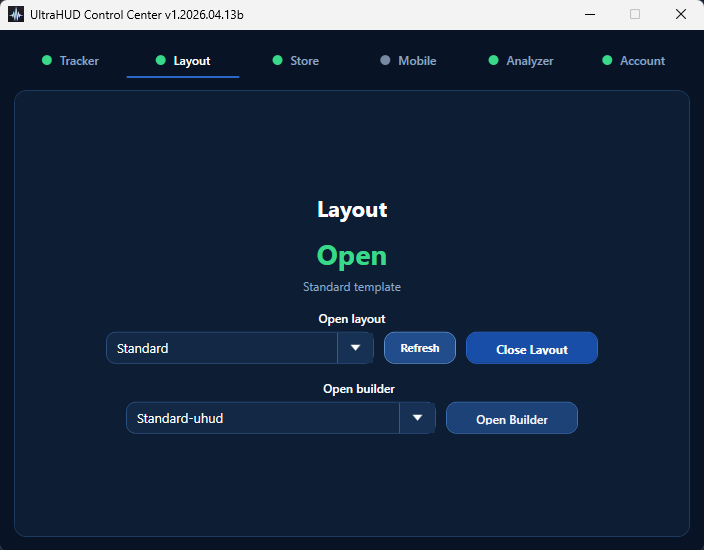
UltraHUD is a free live performance monitor for Windows gaming setups. It combines frametime analysis, hardware telemetry, mobile streaming, and a built-in layout editor in one focused tool for players who want to understand what their system is really doing while they play and shape the view around their own setup.
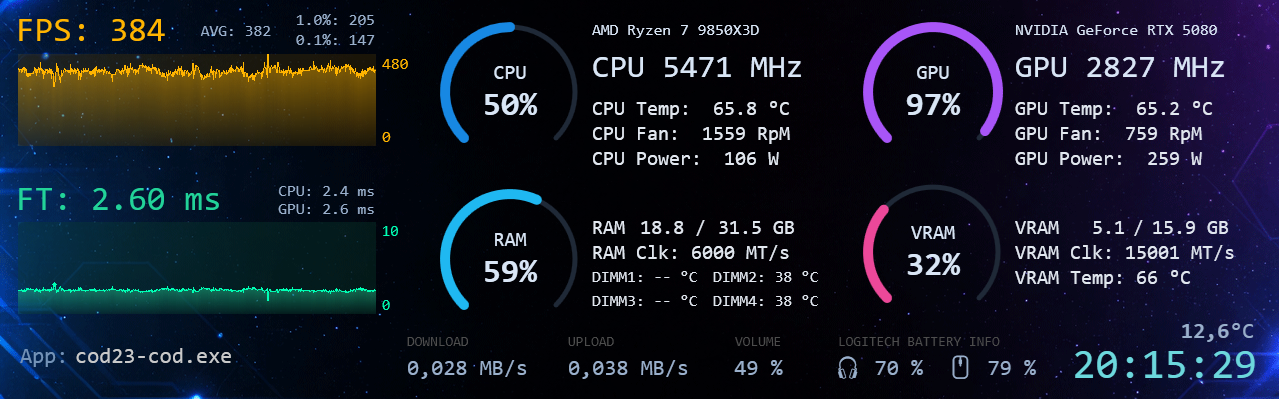
Run UltraHUD on a small second display for a permanent monitoring setup that stays readable at a glance without covering the game.
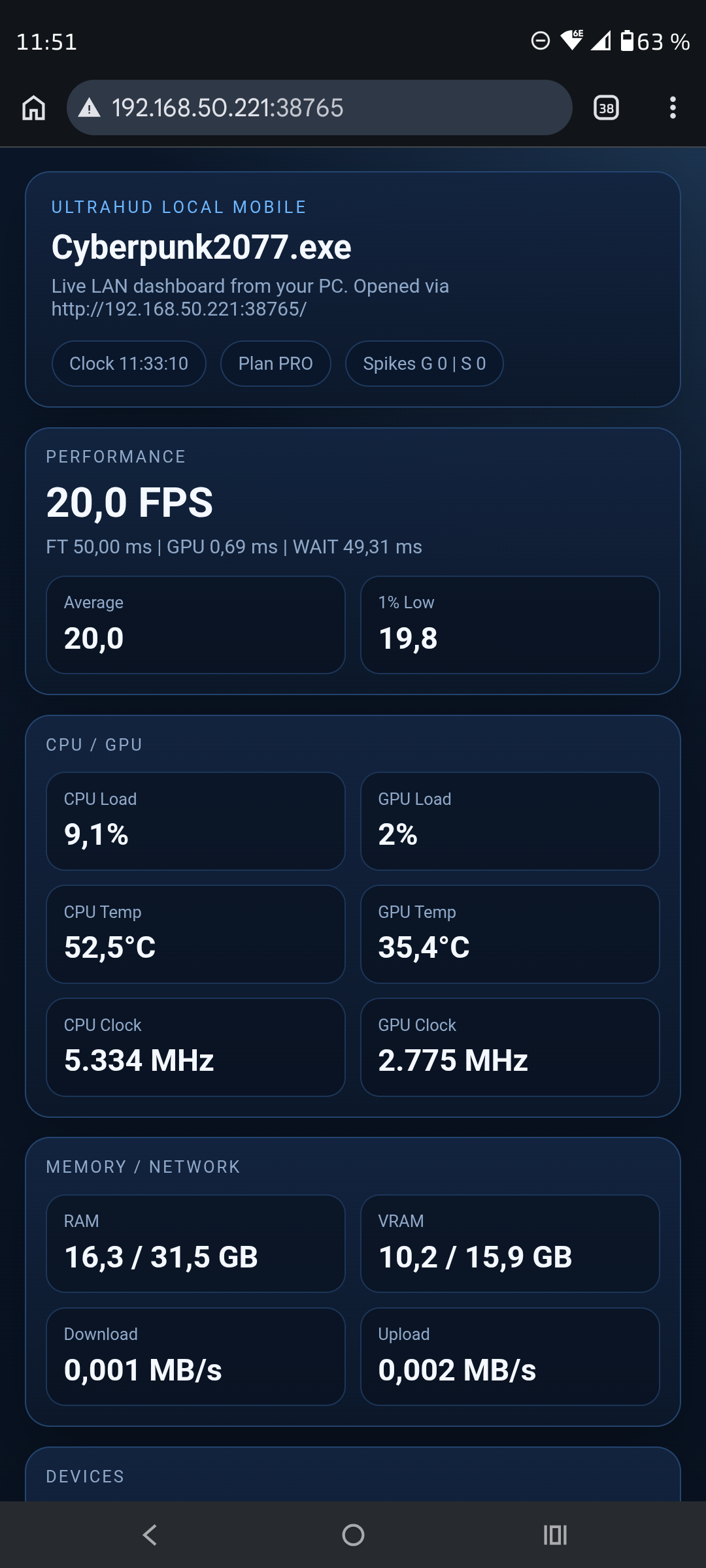
Start Mobile mode directly from the Control Center, scan the local QR code, enter the PIN shown on your PC, and turn your phone or tablet into a live performance screen over your home network.
No cloud relay required: the mobile view runs locally over LAN and stays fast to open whenever you want a second screen without a full display setup.
FPS matters, but frametime tells you whether your game actually feels smooth. UltraHUD keeps that front and center.
The tool reads live frame timing and GPU timing data, then turns it into usable insight instead of raw noise.
CPU, GPU, RAM, VRAM, power, fan speed, temperatures, network activity, and battery data live in one view.
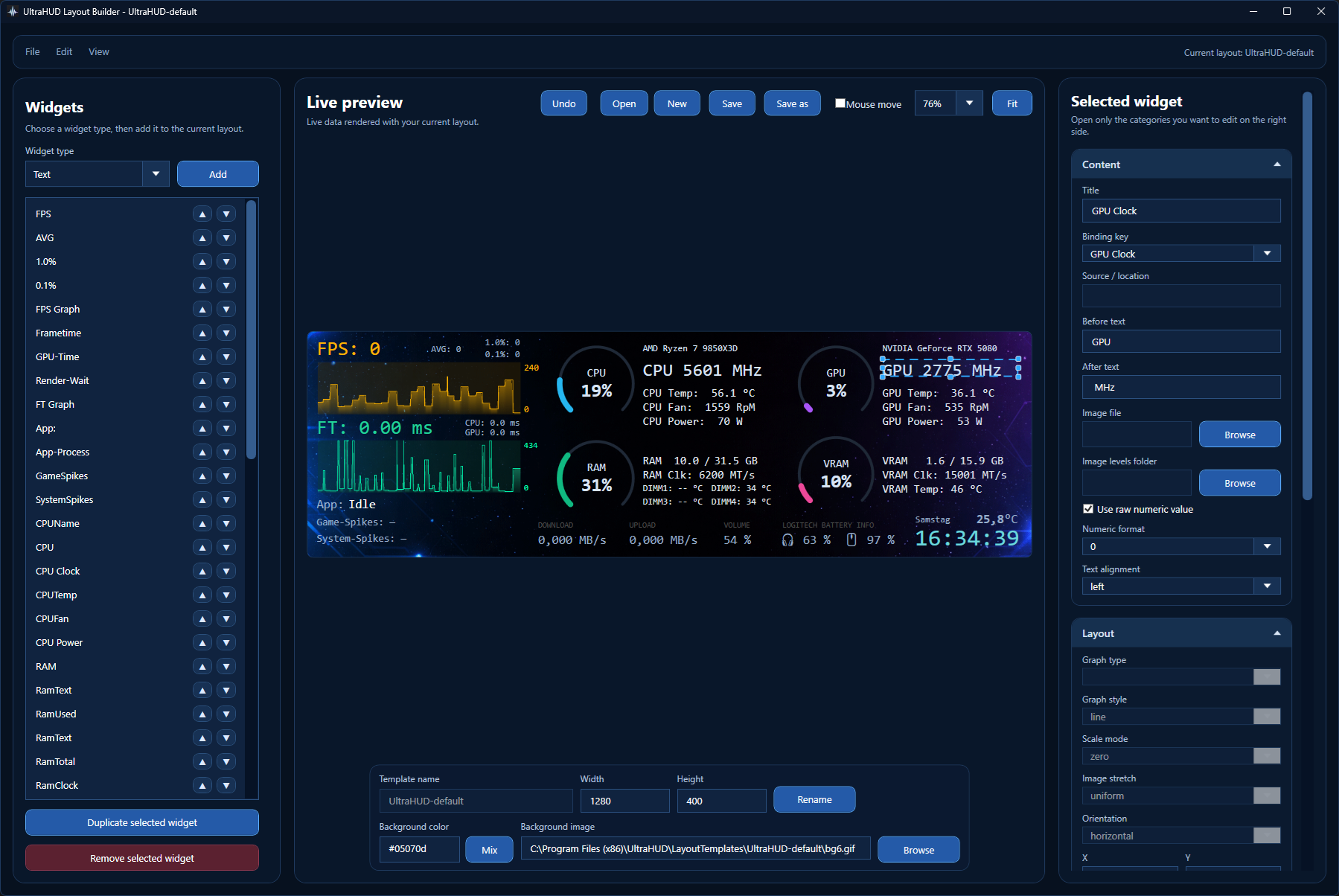
The integrated layout editor lets you create your own sensor panels, save templates, and install community layouts without being locked to one fixed design.
Second displays, mobile fallback, tray behavior, pinning, and quick setup are all part of the product from the start.
See both your current speed and how consistent each frame actually is.
Spot the worst moments that average FPS often hides.
Understand whether your frame pacing problem is GPU-limited or waiting elsewhere in the pipeline.
Track temperatures, clocks, load, memory use, and power without opening a second tool.
Keep headset, mouse, volume, network, and time visible in the same focused layout.
Most monitoring tools stop at FPS. UltraHUD goes further by showing frametime behavior, render timing, and hardware load side by side, so you can tell whether the problem came from the game, the GPU, the CPU, or the rest of the system.
UltraHUD works well as a permanent second-screen tool, but it is just as useful as a fast local mobile companion when you want to test your setup or diagnose one bad session.